Powerful processor driving the Next-Gen AI PC
Experience a new level of transformative AI performance with the super-fast Intel® Core™ Ultra processor (Series 2), upgraded graphics and an advanced NPU capable of up to 47 TOPS.
Harness all that power to blaze through heavy workloads, render complex 3D models and easily complete AI-intensive tasks with incredible speed.
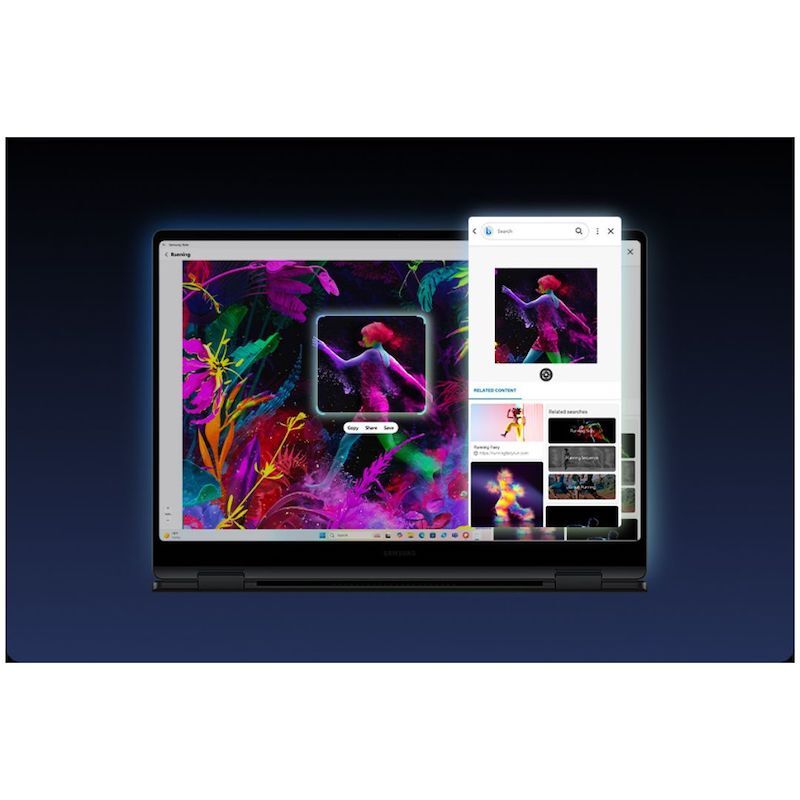
Grab S Pen. Swipe or tap to search in a snap
AI Select lets you search intuitively using S Pen, the cursor or your fingertips right on your PC screen.
No need to type - simply trace an image, text or even a QR code on the touchscreen and get search results on the fly.
Revisit, rediscover, re-engage with Recall
Explore your PC's history and quickly find what you need with Recall - like those inspiring designs you saw on the web a while back.
Scan through snapshots in the timeline to get relevant results and related docs.
Refine image resolution with AI
Retouch images and clean up blurry photos with Photo Remaster
The snappy tool uses a smart algorithm that gives all-new life to your snaps and makes every detail shine - just like magic.
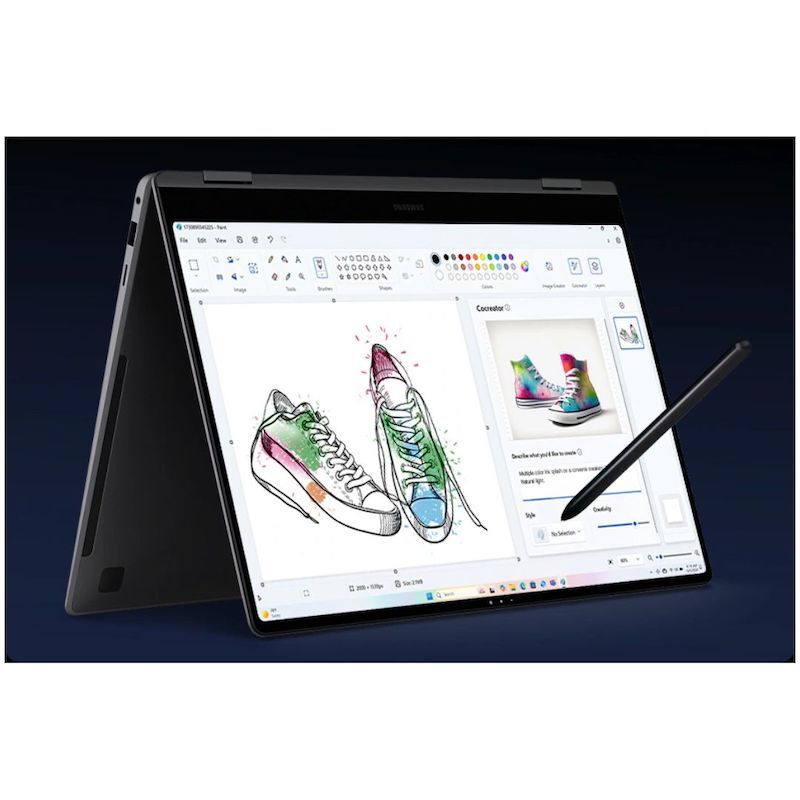
Cocreator. Enhance your art with AI
Have a concept in mind for your next masterpiece?
Use Cocreator - sketch your idea on the laptop and watch as AI transforms it into artwork.
Edit, regenerate and apply finishing touches using simple prompts.
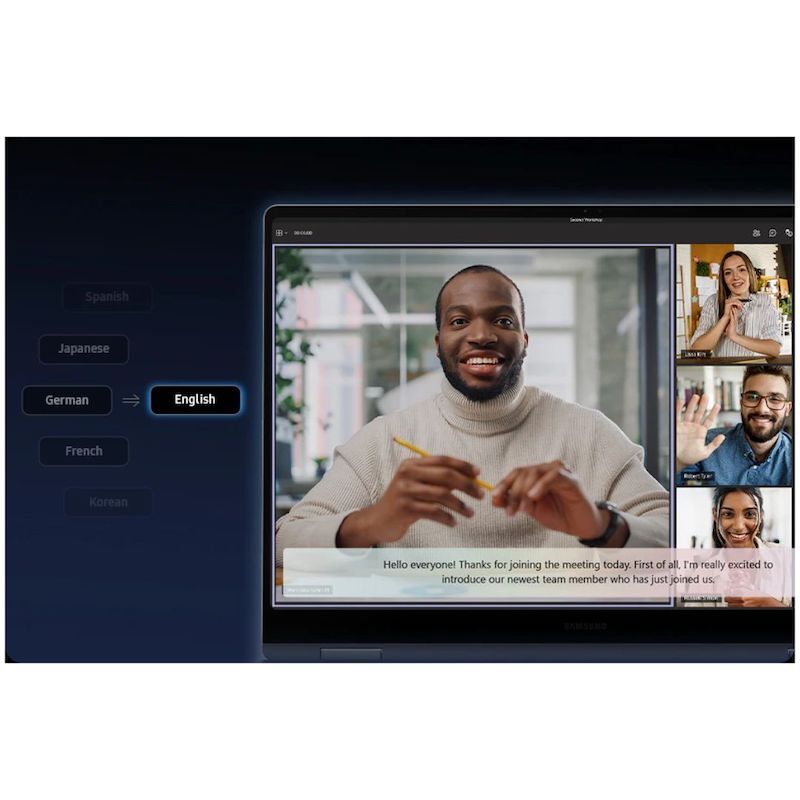
Live captions. Real-time translations
Catch every word in conference calls with Live Captions.
AI automatically detects speech in meetings and video streams and converts it into English captions in real time, helping you to stay in the know.
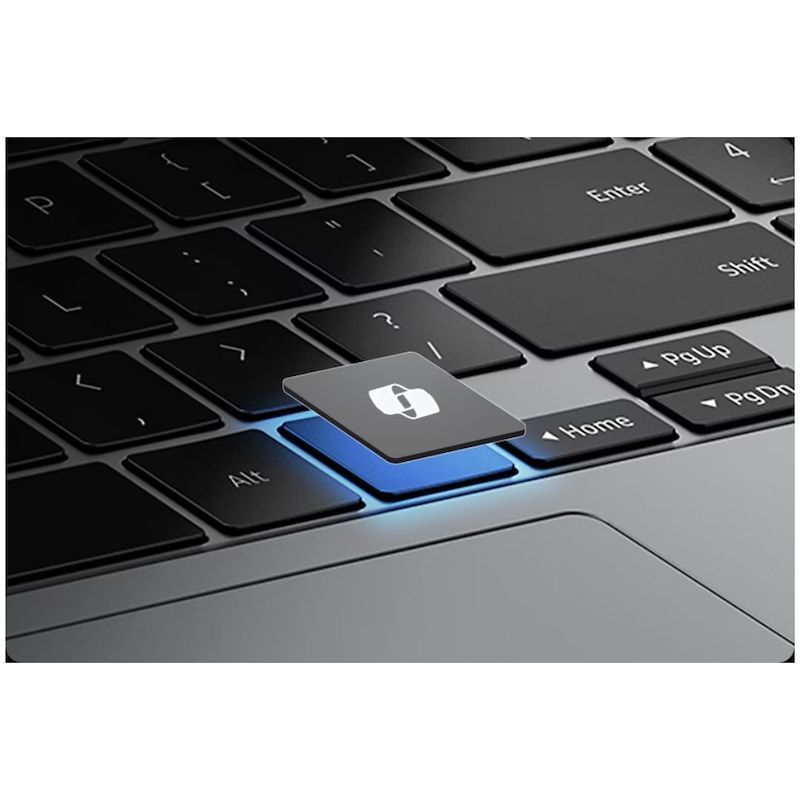
Launch AI with one press
A single press is all it takes to launch Copilot - the dedicated key on the keyboard of Galaxy Book5 Pro 360 puts personalized AI assistance at your fingertips for instant access when you need it.
Dynamic AMOLED 2X. Your work on stunning display
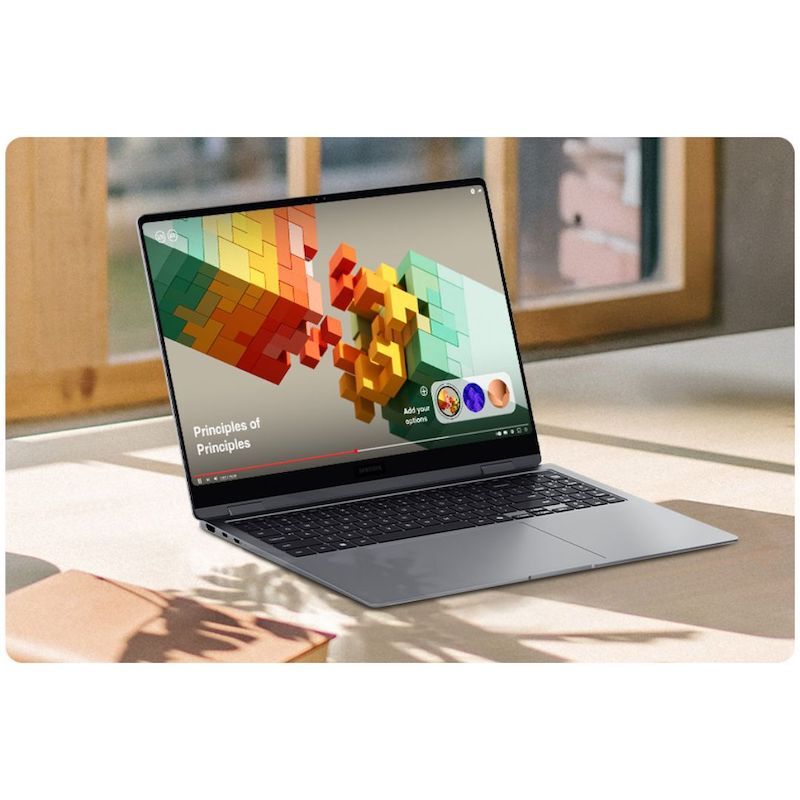
From detailed presentations to vibrant content, it all looks captivating on the high-resolution Dynamic AMOLED 2X display. With vivid colors, smooth motion and reduced blue light emission for eye comfort, this brilliant screen is a sight to behold.
Dazzling views at any angle
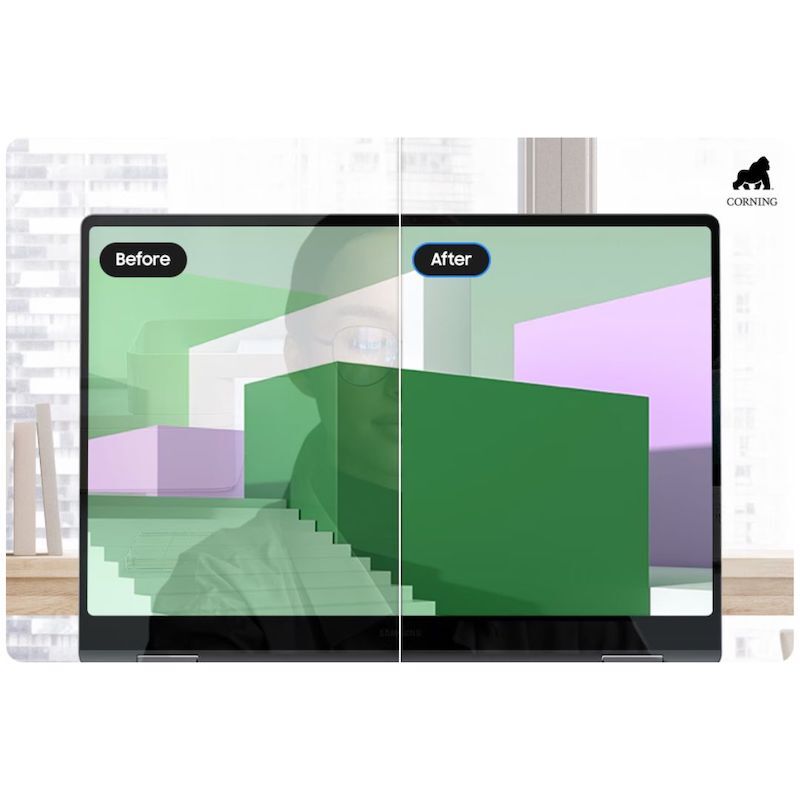
Take in all the details on the anti-reflective screen thanks to Corning® Gorilla® Glass with DX.
The surface treated cover glass with less than 2% reflectance decreases the amount of unwanted surface reflection, helping visuals to remain crisp and legible from a variety of angles.
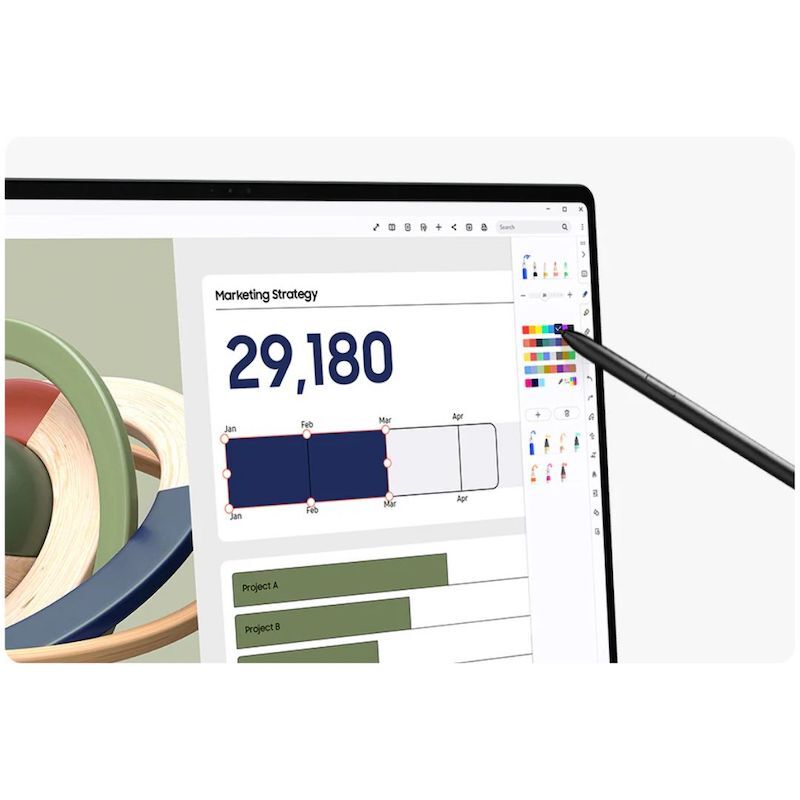
Control at your S Pen
Galaxy Book5 Pro 360's touchscreen puts control at your fingertips.
Navigate through apps and menus, edit content, fine-tune project details and more using intuitive multi-touch gestures that enhance productivity and creativity at every touch.
Vision Booster. Look on the bright side
See your content clearly even in the bright outdoors with Vision Booster.
An intelligent algorithm uses tone mapping to adjust the contrast and colors depending on the light conditions, so your views stay vivid in various environments.
Stay powered up from morning to night
Charge once, stay productive all day with the long-lasting battery of Galaxy Book5 Pro 360, supporting up to 25 hours of video runtime.
To power up, plug in the compact charger to get up to 35% in just about 30 minutes using fast charging.
Big woofers. Deeper sound
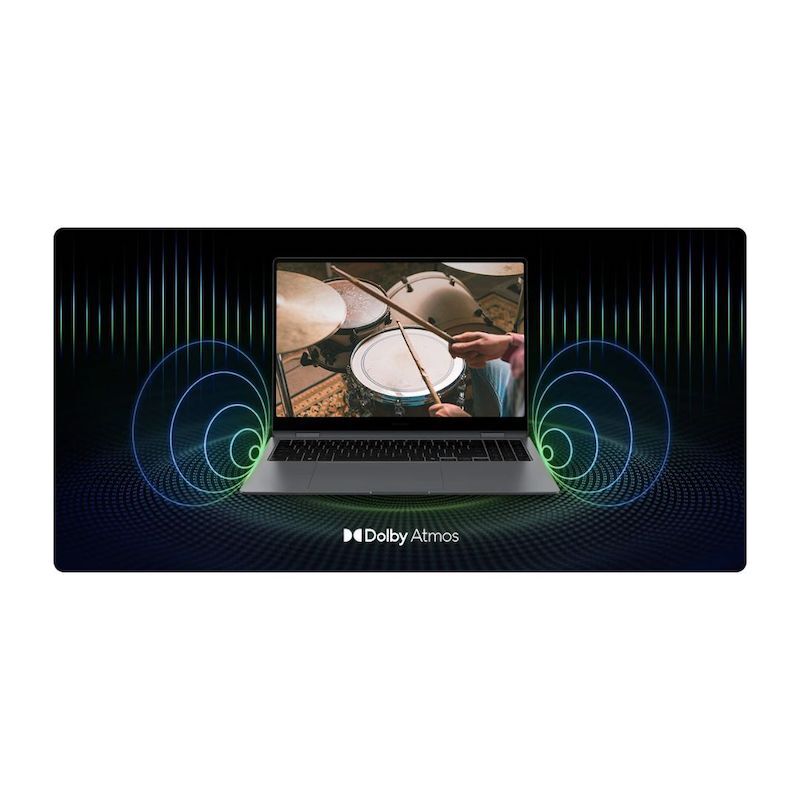
Galaxy Book5 Pro 360 now features more than 2x larger than before, the 38mm woofers - so you feel the bass in every beat with rich low-frequency sounds.
Plus, the quad speakers are tuned with Dolby Atmos for immersive surround sound.
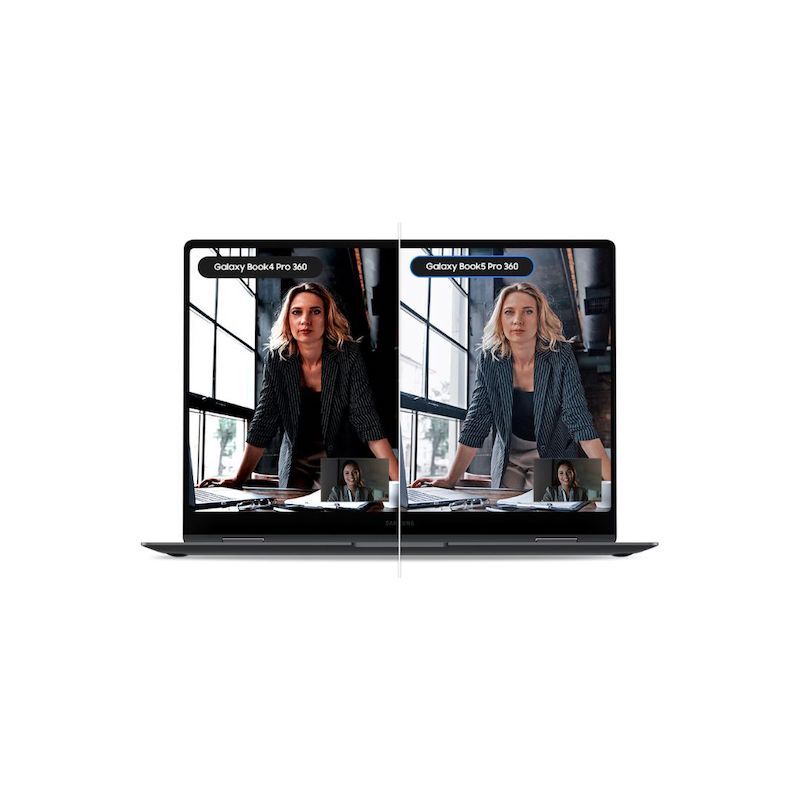
Brighten up video calls with Staggered HDR
Jump into online workshops confidently with Staggered HDR.
Your webcam video stays crisp and vivid with a wide dynamic range, so you are camera-ready for sessions in the studio or on the go.
Smarter touchpad. Dongle-free ports
Navigate easily using the touchpad with adaptive palm rejection - control your taps with precision thanks to palm monitoring on the subdivided palm area, reducing the chance of accidental touches.
Plus, connect what you need dongle-free with versatile built-in ports, including HDMI, USB-A, microSD slot and two Thunderbolt 4 ports for rapid data transfers.
Wi-Fi 7. Full speed ahead
Go online, stay online - Wi-Fi 7 is up to 4.8x faster than Wi-Fi 6, letting you connect reliably with lightning speed.
Join online meetings, share updates and stay in touch easily with smooth real-time interactions and ultra-low latency.
Samsung Knox. Pro security
Safeguard your system with premium security from Samsung Knox.
A dedicated security chip in the hardware is designed to shield your device in real time.
Protected all around, your laptop's critical system data can stay safe from potential threats and breaches.
Seamlessly pair and control Galaxy devices
Nearby devices lets you connect and operate your Galaxy devices in an instant.
Open the menu on Galaxy Book5 Pro 360 to link devices with a simple drag-and-drop, then launch intuitive features such as Multi Control and Storage Share between your phone, PC and Tab all from one connectivity hub.
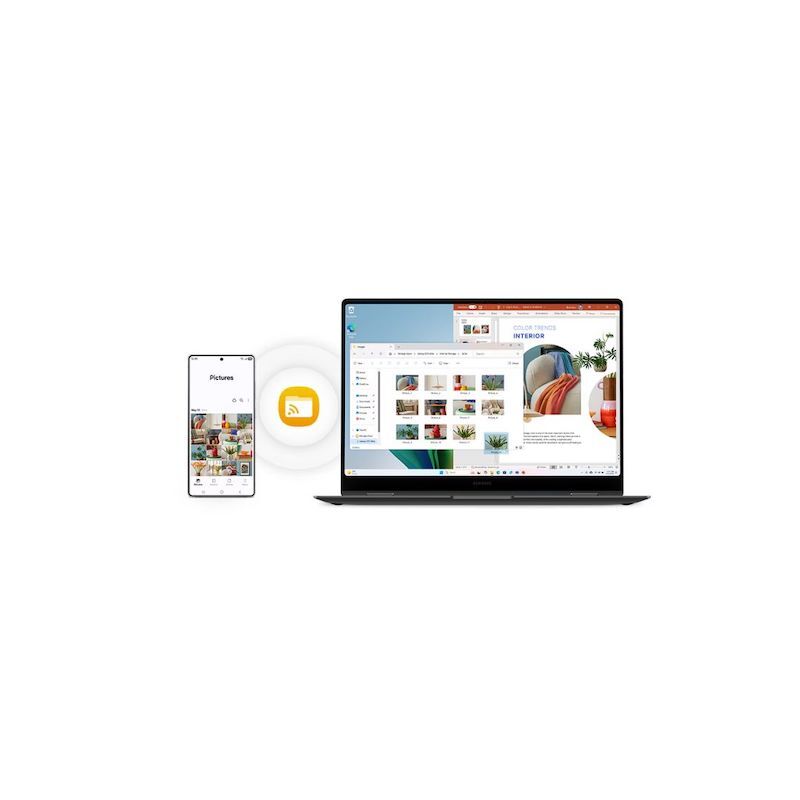
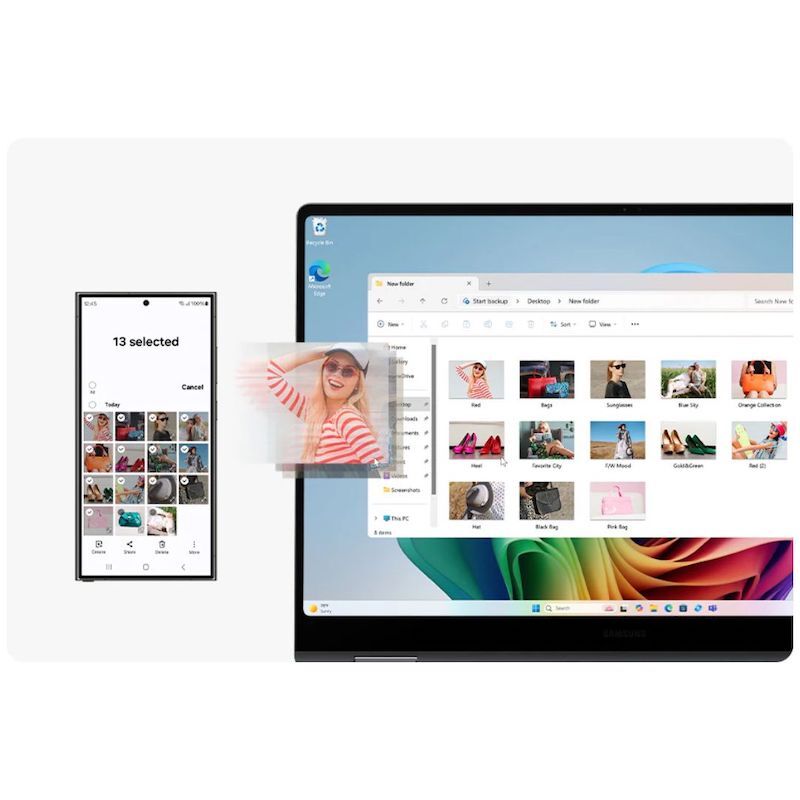
Storage Share. Explore files across devices
With Storage Share, enjoy the freedom of using the storage on your phone and PC as one.
Browse photos and play videos stored on your phone, edit mobile content and import it in your projects directly on your PC - no file downloading required.
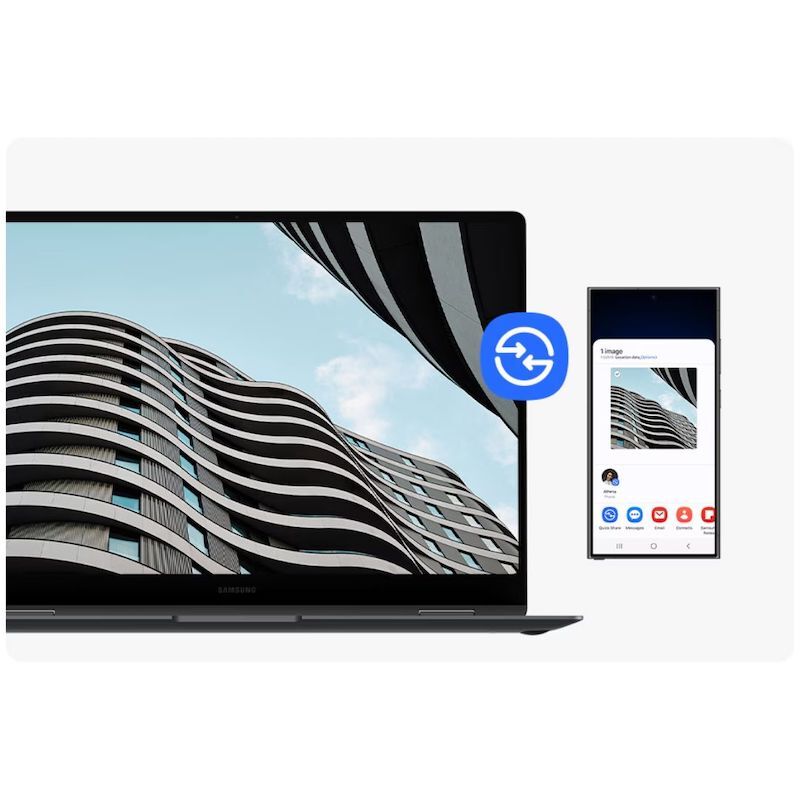
Quick Share. Swift, safe transfers
Sharing pics, docs and massive files between Samsung Galaxy devices is a breeze with Quick Share. Connect devices via direct wireless pairing for instant transfers, even if it's something sensitive - the private sharing feature encrypts your data with blockchain technology for safekeeping.
Multiple devices, unified control
With Multi Control, multitask seamlessly across Samsung devices using your PC's keyboard with a mouse. Navigate through menus, access files and data, copy and paste content easily between your laptop and your smartphone, Galaxy Tab, Samsung TV or Smart monitor.
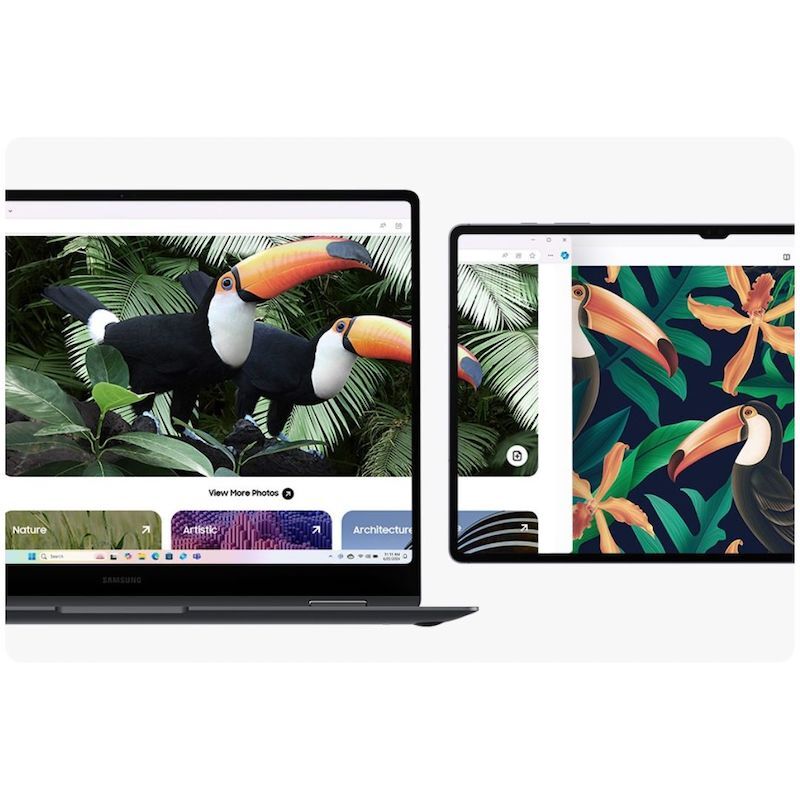
Bring along your Tab as a Second Screen
Double your workspace by connecting Galaxy Tab as an additional display to your PC.
Link the devices with just a click on your laptop, then take advantage of the extra space on Galaxy Tab with Extension, Duplicate and Rotation modes to rearrange your view.
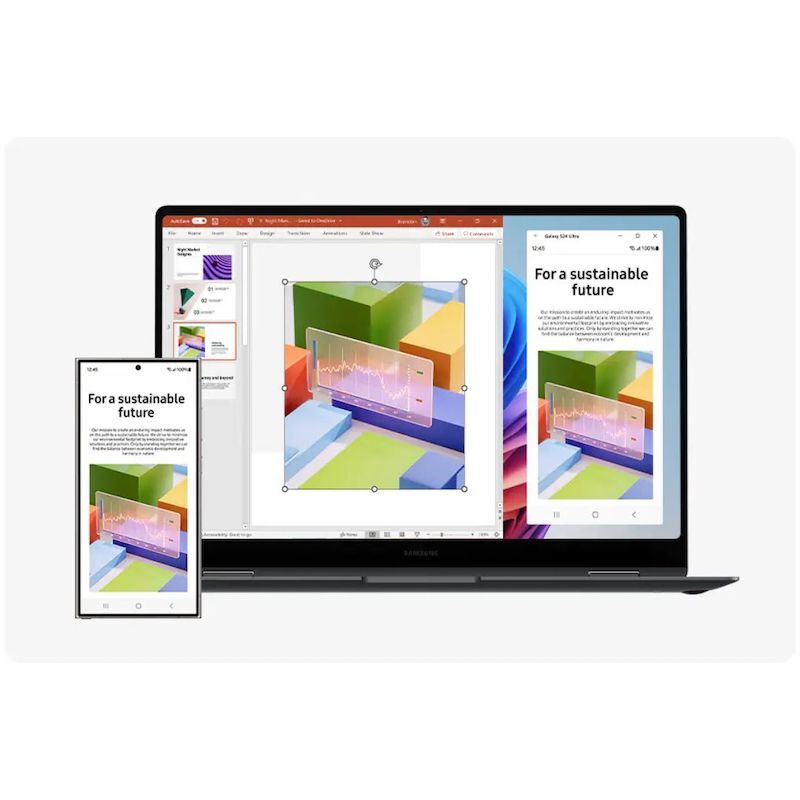
Access your mobile world on PC
Pair your smartphone and PC via Link to Windows to access your favorite mobile apps and features directly on the laptop screen.
You can even use Galaxy AI from phone to PC - like Transcript Assist, letting you convert multi-language voice recordings from your phone into text right on your PC.
Highlights
1. Powerful Processor
2. Galaxy AI on PC
3. All-day Battery
4. The Connected Power of Galaxy