Samsung
Galaxy Book5 (Gray)
(15.6", Intel Core Ultra 5, 16 GB RAM, 512 GB SSD)
Introduction
With Galaxy AI at your side, Galaxy Book5 brings seamless intelligence to your day.
Smart features like AI Select and Photo Remaster lighten your daily tasks, powered by reliable peformance and lasting power.
It's the kind of intelligence that fits right into your everyday.
Big on screen, light on weight
With its large 15.6" screen, Galaxy Book5 gives you plenty of space to focus, watch, and do what you love.
Designed to blend into your day from morning classes to evening catch-ups, its slim, compact build makes it easy to take with you - on the bed, at your desk, or curled up on the couch.
Unlock supercharged PC performance
Experience a boost in PC performance with Intel® Core™ Ultra (Series 2), next-gen Intel® Graphics, and NPU. Use AI to help you power up your workflow with smooth coding and fluent content creation, then immerse yourself in realistic, action-packed gaming when you want to unwind.
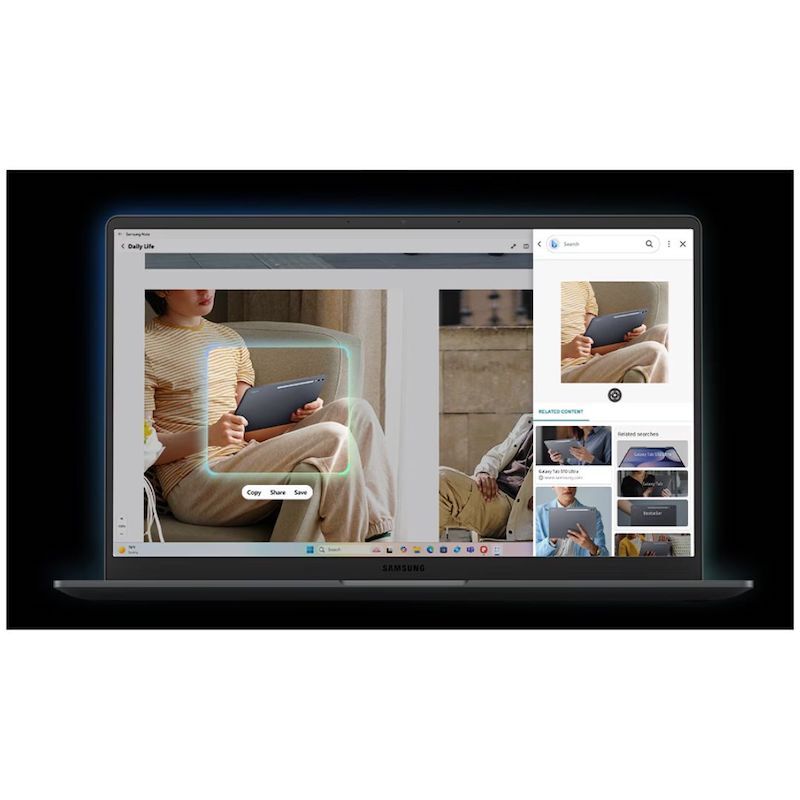
Instant search, right where you are
Found something interesting while browsing?
AI Select turns your curiosity into answers - on the spot.
Simply select it, whether it's an image, text, or QR code and get instant search results.
It's quick, intuitive, and fits right into your study flow.
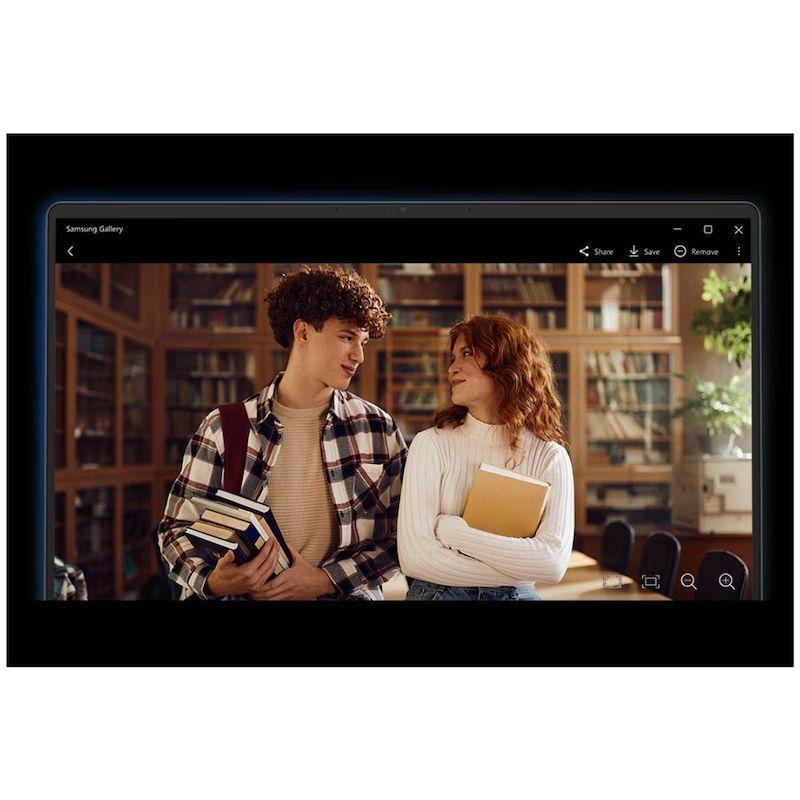
Your gallery, remastered with AI
Retouch images and clean up blurry photos with Photo Remaster on your Galaxy Book5.
The snappy tool uses a smart algorithm that gives all-new life to your snaps and makes every detail shine - just like magic.
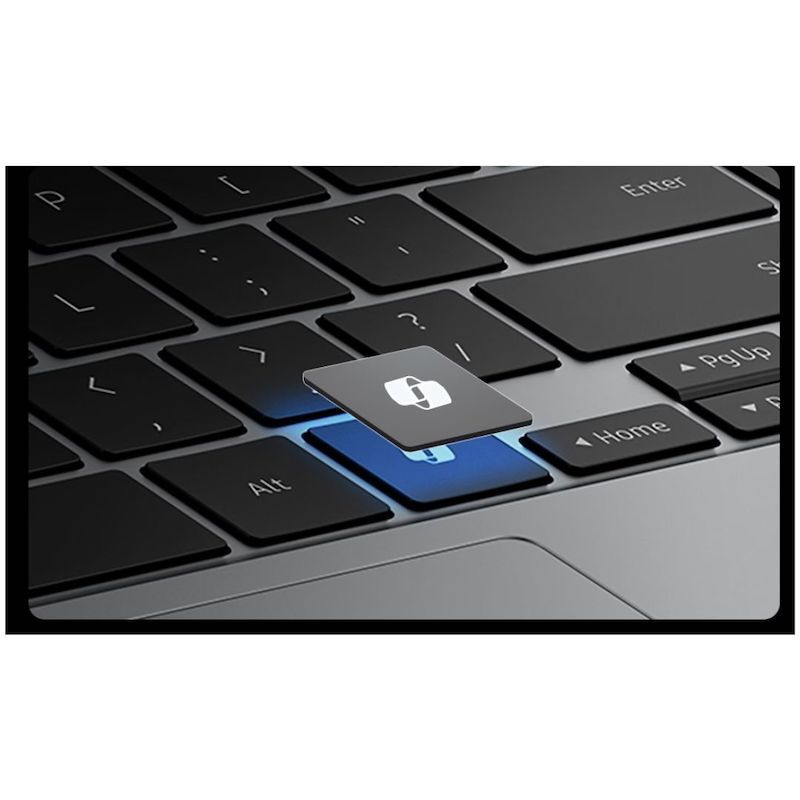
Launch AI with one press
A single press is all it takes to launch Copilot - the dedicated key on the keyboard of Galaxy Book5 puts personalized AI assistance at your fingertips for instant access when you need it.
Stay powered up with a long-lasting battery
Charge once to stay productive with the long-lasting battery of Galaxy Book5, supporting up to 19 hours of video runtime.
To power up, plug in the compact charger to get up to 33% in just about 30 minutes using fast charging.
Surround yourself with Dolby Atmos audio
Tuned with Dolby Atmos, the speakers on Galaxy Book5 fill your space with rich, immersive sound.
Whether you're catching up with studies, video chatting or tuning into your favorite music, enjoy dynamic audio that keeps you engaged from start to finish.
Plug and play
Galaxy Book5 is equipped with a wide range of ports.
Hook up essential devices to your workstation with ease using the built-in HDMI, two USB-A and two USB-C ports, microSD slot and even an RJ45 port for high-speed LAN connections.
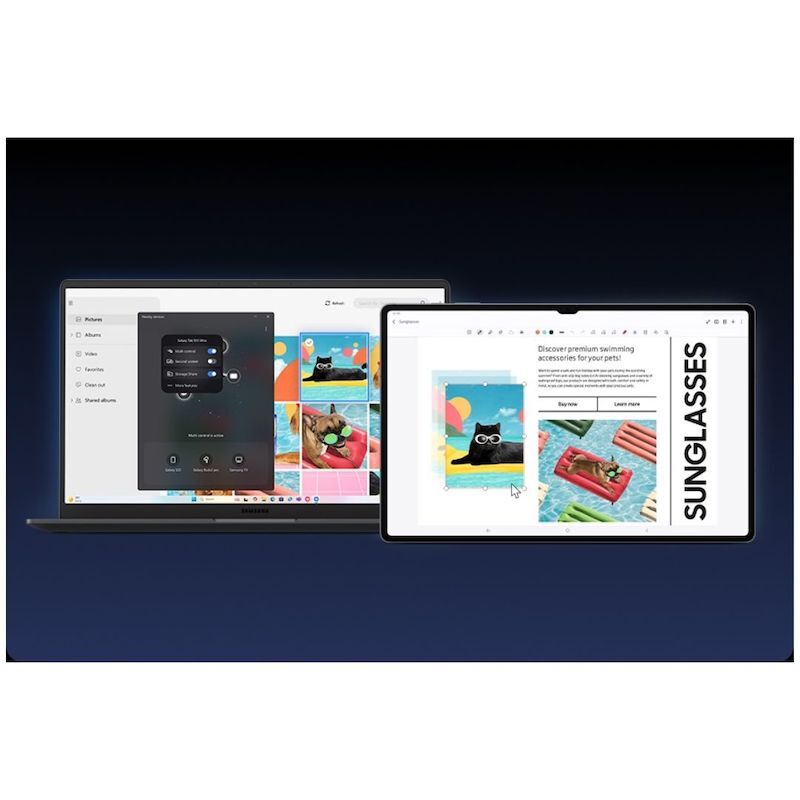
Seamlessly pair and control Galaxy devices
Nearby devices lets you connect and operate your Galaxy devices in an instant.
Open the menu on Galaxy Book5 to link devices with a simple drag-and-drop, then launch intuitive features such as Multi Control and Storage Share between your phone, PC and Tab all from one connectivity hub.
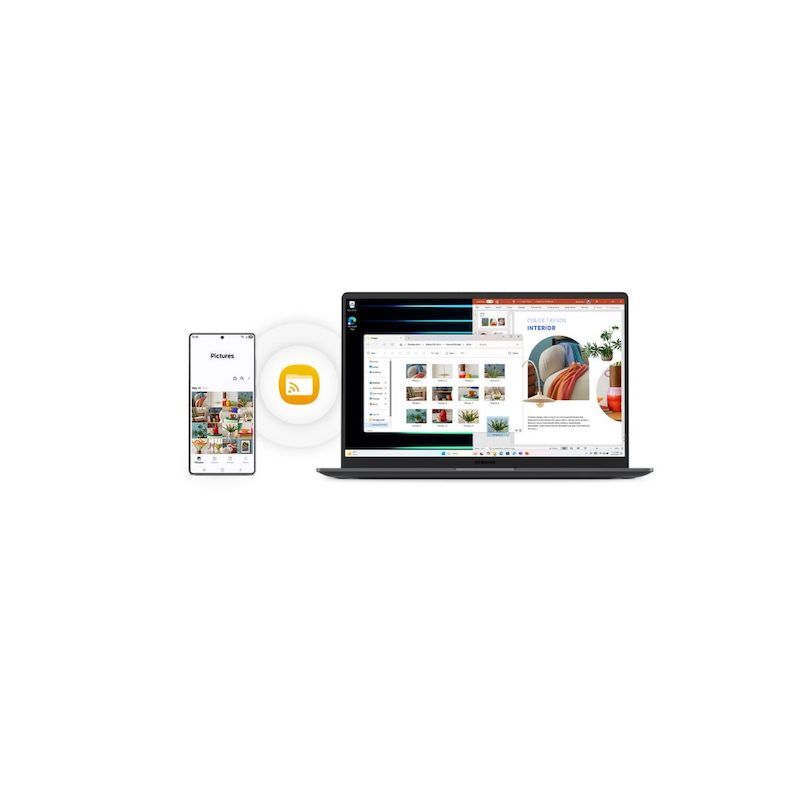
Storage Share. Explore files across devices
With Storage Share, enjoy the freedom of using the storage on your phone and PC as one.
Browse photos and play videos stored on your phone, edit mobile content and import it in your projects directly on your PC - no file downloading required.
Quick Share. Swift, safe transfers
Sharing pics, docs and massive files between Samsung Galaxy devices is a breeze with Quick Share. Connect devices via direct wireless pairing for instant transfers, even if it's something sensitive - the private sharing feature encrypts your data with blockchain technology for safekeeping.
Multiple devices, unified control
With Multi Control, multitask seamlessly across Samsung devices using your PC's keyboard with a mouse. Navigate through menus, access files and data, copy and paste content easily between your laptop and your smartphone, Galaxy Tab, Samsung TV or Smart monitor.
Bring along your Tab as a Second Screen
Double your workspace by connecting Galaxy Tab as an additional display to your PC.
Link the devices with just a click on your laptop, then take advantage of the extra space on Galaxy Tab with Extension, Duplicate and Rotation modes to rearrange your view.
Access your mobile world on PC
Pair your smartphone and PC via Link to Windows to access your favorite mobile apps and features directly on the laptop screen.
You can even use Galaxy AI from phone to PC - like Transcript Assist, letting you convert multi-language voice recordings from your phone into text right on your PC.
Highlights
1. Powerful Processor
2. Galaxy AI on PC
3. All-day Battery
4. The Connected Power of Galaxy
Technical Specifications
Product Dimensions (W x D x H): 356.6 x 228.0 x 15.1 mm
Weight: 1.55 kg
Display Dimensions: 15.6"
Display Resolution: 1920 x 1080 (FHD)
Storage: 512 GB
Memory: 16 GB
Battery: 61.2 Wh
Processor: Intel® Core™ Ultra 5 Processor 225U (P-core Up to 4.8 GHz 12 MB LLC Cache)
Operating System: Windows 11 Home (Samsung recommends Windows 11 Pro for business)
Connectivity: Wi-Fi 6 (Gig+), 802.11 ax 2x2; Bluetooth v5.2